


Applied to all Zosi POE Nvr/Nvr;
such as :16HK-2965W--XX-XX;8AP-2893W--XX-XX;
8HQ-2965W--XX--XX;8SQ-2965W4--XX--XX, 8SH-2965W4--XX--XX,16SK-2965W4--XX--XX and so on(some camera can support this function but some cant);
1 What if I can't check my system which they don't have the human tracking function, what can I do?
Answer:
Step 1:Check the cameras if they can work for the rotation function;
Step 2 Please dont be hestitate to contact our agents and provide the version of the nvr version and cameras ' version.
Step 3: Our agents maybe will provide you the latest files to upgrade the camera system.
2 If you are the latest version you can contact our agents to know it.
Here is the contact way to get in touch with us.
Support Email: service@zositech.com
Support center: support@zositechhelp.zendesk.com
Our Facebook: https://www.facebook.com/ZosiTechnology/
Whatsapp:+1-866-841-6932
UK Whatsapp: +86 18675610962
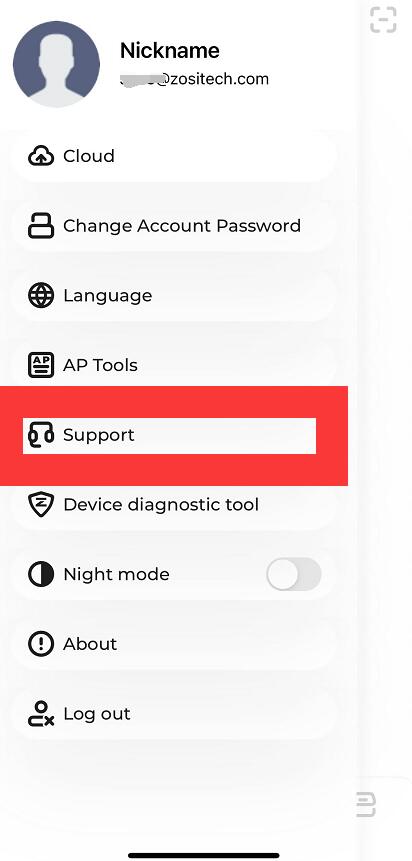
Zosi Smart APP: